


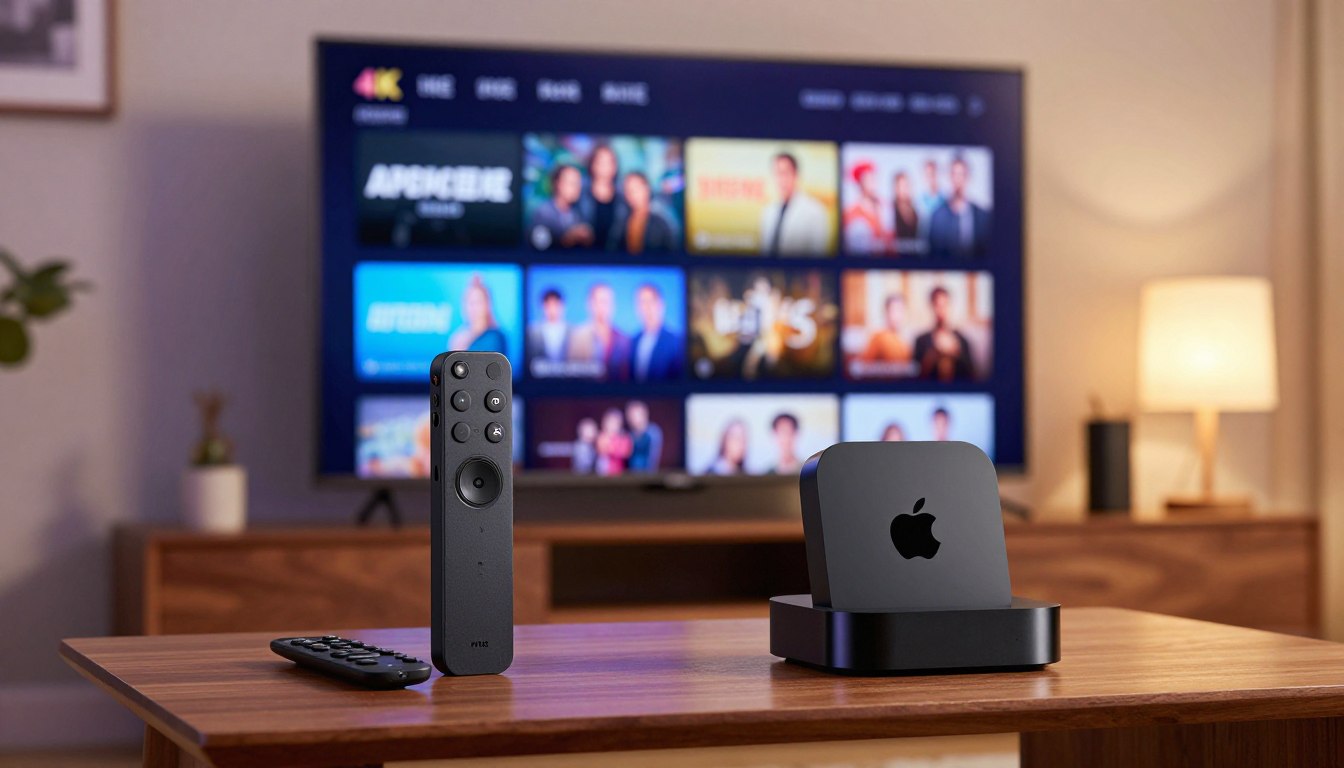
Imagine settling into your favorite chair after a long day, ready to lose yourself in a cinematic masterpiece. You crave that crisp, breathtaking 4K clarity that makes every scene feel alive. But, the hardware powering your entertainment can make or break that experience.
Choosing the right device is key for any modern home theater setup. Many enthusiasts are torn between Firestick vs Apple TV IPTV, wondering which is better for their needs. This comparison aims to highlight the strengths of these two giants to guide viewers in making the right choice.
Finding the perfect balance between performance and ease of use can change how we enjoy digital media. This guide delves into the technical details to ensure every frame looks perfect.
Key Takeaways
- High-quality 4K streaming requires reliable hardware to prevent lag.
- Both platforms offer unique interfaces tailored to different user preferences.
- Hardware choice significantly impacts the stability of high-definition content.
- Budget considerations often play a major role in the final selection.
- Understanding technical specifications helps in achieving a seamless viewing experience.
Understanding the IPTV Landscape on Modern Streaming Devices
The world of IPTV has changed a lot, affecting how we watch live content. Modern streaming devices handle live TV data in special ways. This affects the quality of your viewing experience. Knowing these differences is key to a good home entertainment system.
IPTV sends TV content over the internet, not through cable or satellite. This means the hardware must decode and buffer streams well. Not all devices are the same, and their power affects how channels load.
When looking at streaming devices, you’ll see big differences in app management. Some let you customize a lot, while others focus on a neat, curated look. This choice impacts setup ease and service stability.
Your device needs to support modern networks and have enough memory for high-bitrate streams. Stable performance comes from fast processing, good software, and a strong internet. Choosing the right device keeps your live TV experience smooth and interruption-free.
Amazon Fire TV Stick 4K Max: Features and Performance
The Amazon Fire TV Stick 4K Max is a top choice for streaming devices. It has powerful performance in a small package. This makes it perfect for those who want quality without losing efficiency.
This device is built to handle tough tasks. So, your streaming stays smooth and without breaks.
Hardware Specifications and Processing Power
At its core, the device has a quad-core processor. This makes it very responsive. It also has more memory for fast menu navigation and quick loading of HD channels.
Apps open almost instantly. This means you can switch between content quickly and easily.
“Technology is best when it brings people together and simplifies the way we access our favorite entertainment.”
The device’s design is great for handling high-bitrate streams smoothly. Here’s how its technical features affect daily use:
| Component | Performance Impact | User Benefit |
|---|---|---|
| Quad-Core CPU | Faster Processing | Reduced Lag |
| Enhanced RAM | Multitasking | Quick App Switching |
| Wi-Fi 6 Support | Data Throughput | Stable 4K Streaming |
The Fire OS Experience for IPTV Users
The Fire OS interface is easy to use and clean. It’s great for organizing lots of content, which is key for IPTV users. Finding your favorite channel is quick and easy.
This platform is also very flexible with third-party apps. Users can install apps themselves, giving them more control over their viewing. This makes it a top choice for those on a budget.
Apple TV 4K: Premium Performance and Ecosystem Integration
This review shows why the Apple TV 4K is top-notch for home theaters. It’s for those who want the best experience with fast performance and an easy-to-use interface. Apple’s focus on speed and security makes it stand out.
A15 Bionic Chip Capabilities for 4K Streaming
The A15 Bionic chip is at the heart of the Apple TV 4K. It’s the same chip used in high-end phones. This chip makes 4K streaming smooth, even with high-bitrate content.
Efficiency is key, as the chip keeps cool while performing well. Users will find apps launch fast, making it great for switching between services.
tvOS Interface and Privacy Advantages
The tvOS interface is simple, focusing on the content. It’s different from others that show ads. This makes finding shows easy without distractions.
Privacy is a big deal for Apple. The system tracks less data, keeping viewing habits private. A thorough review shows it works well with other Apple devices, making a secure space for the family.
| Feature | Apple TV 4K | Performance Impact |
|---|---|---|
| Processor | A15 Bionic | High-speed processing |
| Interface | tvOS | Minimalist and clean |
| Privacy | Advanced | Enhanced user security |
| Ecosystem | Full Integration | Seamless connectivity |
This review concludes that the Apple TV 4K is a great investment. It offers powerful hardware and a focus on privacy. It’s perfect for anyone serious about streaming.
Firestick vs Apple TV IPTV: A Direct Comparison
When looking at the Firestick vs Apple TV IPTV experience, the differences are clear. Each device has its own strengths, suited for different users. A detailed comparison helps figure out which platform fits your streaming needs best.
Side-by-Side Hardware and Connectivity Analysis
The Amazon Fire TV Stick 4K Max is small and easy to carry. It has a powerful quad-core processor for clear HD streaming. It connects via Wi-Fi 6, which works well with most home networks.
The Apple TV 4K, on the other hand, uses the A15 Bionic chip for fast processing. It often has an Ethernet port for a wired connection. This ensures smooth, high-quality streams. The choice between firestick vs apple tv for iptv viewing depends on whether you want something portable or powerful.
Software Stability and IPTV App Compatibility
For IPTV fans, software stability is key. Fire OS, based on Android, lets you install many apps. This makes it easy to add IPTV players not found in official stores.
Apple TV runs on tvOS, known for its exceptional stability and smooth interface. While it’s more restrictive, it offers a polished experience with fewer issues. This comparison shows Firestick gives more freedom, but Apple TV is more reliable for long-term use.
| Feature | Amazon Fire TV Stick 4K Max | Apple TV 4K |
|---|---|---|
| Processor | Quad-core 2.0 GHz | A15 Bionic |
| OS Flexibility | High (Sideloading enabled) | Low (Walled garden) |
| Connectivity | Wi-Fi 6 | Wi-Fi 6 + Ethernet (select models) |
| Stability | Good | Excellent |
Your choice between firestick vs apple tv for iptv viewing depends on your tech comfort. If you like customizing and sideloading, Firestick is great. For a premium, stable, and seamless experience, choose Apple TV 4K.
Evaluating 4K Streaming Quality and Upscaling
Visual quality is key for those looking for the best for iptv experience. Many services offer high-definition content. But, the device you use affects how well that content looks on your screen.
A top-notch device can make even lower-quality streams look great. This is thanks to advanced upscaling algorithms.
Consistency in image quality is what makes a big difference. The Firestick and Apple TV use powerful processors. They work hard to keep images sharp and colors accurate.
HDR and Dolby Vision Support
High Dynamic Range (HDR) and Dolby Vision are key for deep blacks and bright highlights. These technologies let your TV show a wider range of colors. This makes scenes look more real.
Choosing the best for iptv hardware means your device can handle these formats well. Apple TV 4K is known for its color accuracy. The Fire TV Stick 4K Max offers a bright and vivid image that most viewers will enjoy.
Frame Rate Matching and Motion Handling
Live sports and TV shows often have different frame rates than movies. If your device can’t match these rates, you might see motion blur or “judder.” Good motion handling is important for the best for iptv devices.
Here are some key benefits of advanced motion processing:
- Smooth Motion: Gets rid of the “soap opera effect” and keeps action clear.
- Frame Rate Matching: Adjusts the output to match the source content for smooth playback.
- Reduced Judder: Keeps panning shots in live sports steady and natural.
Apple TV 4K has a strong frame rate matching feature that works well with most apps. The Firestick also has settings for motion, but how well it works can depend on the app. Picking the right device means your live streams will be sharp. This is great for best for iptv fans who love sports and live events.
User Interface and Navigation Speed
How you interact with your TV screen shapes your viewing experience. The choice between Fire OS and tvOS often hinges on personal control and speed to content.
Customization Options on Fire OS
Amazon’s Fire OS caters to those who love personalization and flexibility. The home screen is a dynamic hub. You can pin your favorite IPTV apps at the top for quick access.
The interface is modular, allowing you to arrange apps and content as you like. This highly customizable setup means your top streaming services are always a click away.
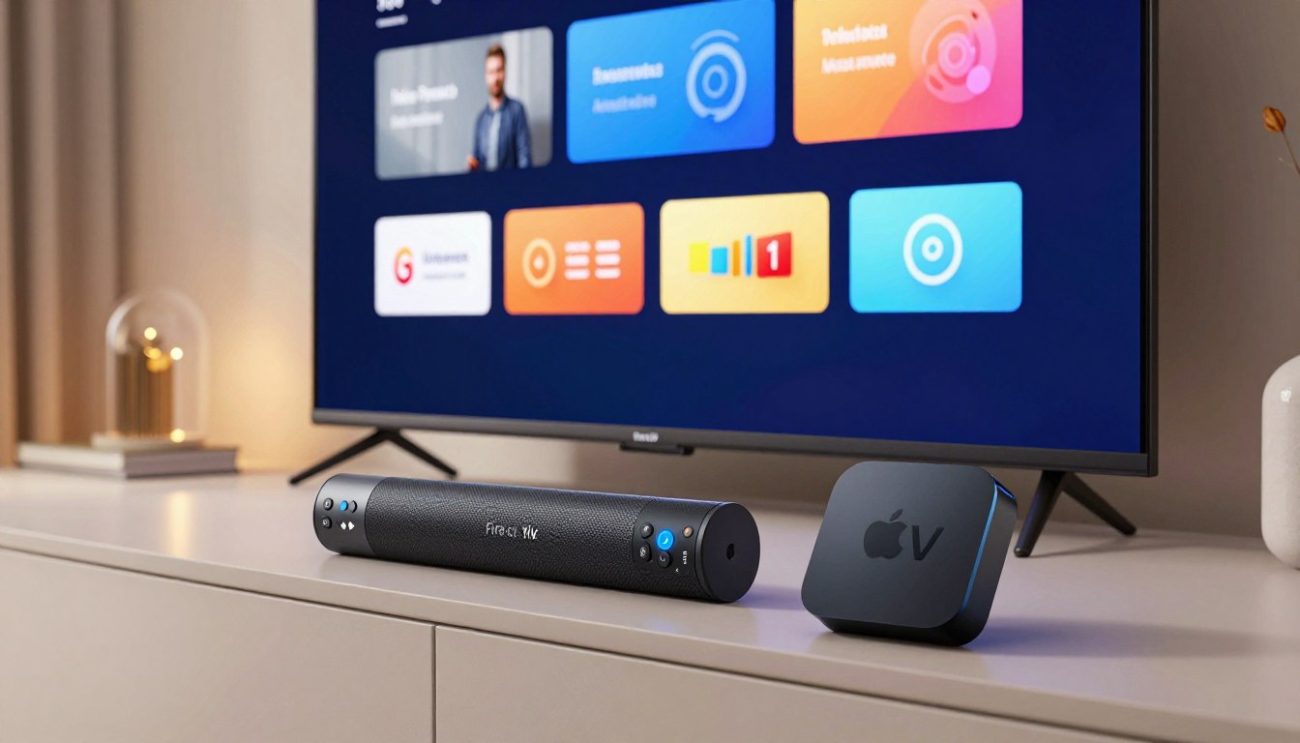
The Minimalist Approach of tvOS
Apple’s tvOS, on the other hand, values a clean and streamlined aesthetic. It keeps the interface simple, with apps in a grid that’s easy to navigate.
Apple aims for a consistent experience, keeping the software unobtrusive. This minimalist design has several benefits:
- Reduced Visual Noise: No aggressive ads make the home screen feel more upscale.
- Predictable Navigation: The grid layout is consistent, so you never get lost in menus.
- Smooth Transitions: The system is fast, providing a effortless experience during daily use.
Your choice depends on what you value most. If you prefer a device that fits your organizational style, the Firestick is great. For a polished, distraction-free environment, the Apple TV might be better.
Remote Control Ergonomics and Functionality
Using a remote to navigate through IPTV channels should feel natural and quick. The design of the remote is key when watching TV for hours. These features help users quickly switch between live streams or explore a large media library.
Alexa Voice Remote Features
The Alexa Voice Remote is all about ease and comfort. It’s light and small, fitting well in most hands. This makes it perfect for long TV sessions. The voice button lets users control the Fire TV with voice commands, making navigation seamless.
The remote also has playback buttons that give feedback when pressed. These features let users control content easily without looking at the screen. It’s a reliable tool for everyday use.
Siri Remote and Touch Surface Navigation
The Siri Remote focuses on quality and a special touchpad. This touchpad makes scrolling through IPTV channels precise. The solid build gives it a weighty feel, which many prefer.
The touch surface navigation is a key feature. It lets users swipe through menus smoothly. This makes the interface fast and responsive. Here are the main benefits of these remotes:
- Alexa Voice Remote: Great for voice control and is light and easy to hold.
- Siri Remote: Made of premium aluminum with a precise touch surface for navigation.
- Shared Utility: Both remotes have controls for power and volume, managing the home theater.
App Ecosystem and Sideloading Capabilities
The debate between open platforms and curated ecosystems is key to the IPTV experience. When choosing a device, users must weigh unrestricted access against a stable, secure environment. Each platform has its own way of letting users interact with their software.
The Flexibility of Android-Based Firestick
The Amazon Firestick runs on a modified Android OS. This gives users a big advantage for installing third-party applications not found in the official store. Users can sideload APK files to add more features to their device.
This openness is a hit with the IPTV community. It lets users install custom players and tools tailored to their viewing needs. But, users must be careful about the source and safety of the apps they install.
The Walled Garden Approach of Apple TV
The Apple TV has a strict environment, known as a walled garden. It only allows apps from the official App Store. This focus on system integrity, privacy, and a consistent user experience is top priority.
Because of these rules, sideloading unauthorized apps is not supported on Apple TV. This limits installing niche IPTV software. But, it ensures apps meet high standards for performance and security. Users who want a hassle-free experience often find this trade-off worth it.
| Feature | Firestick (Android) | Apple TV (tvOS) |
|---|---|---|
| App Installation | Official Store & Sideloading | Official App Store Only |
| Customization | High Flexibility | Curated & Minimalist |
| Security Model | User-Managed | System-Enforced |
| IPTV Compatibility | Extensive Support | Limited to App Store Apps |
Network Connectivity and Buffer Management
Network stability is key to keeping your stream clear. The Amazon Fire TV Stick 4K Max and Apple TV 4K both have strong wireless options. But, setting up your local network right is critical for those who want no lag.
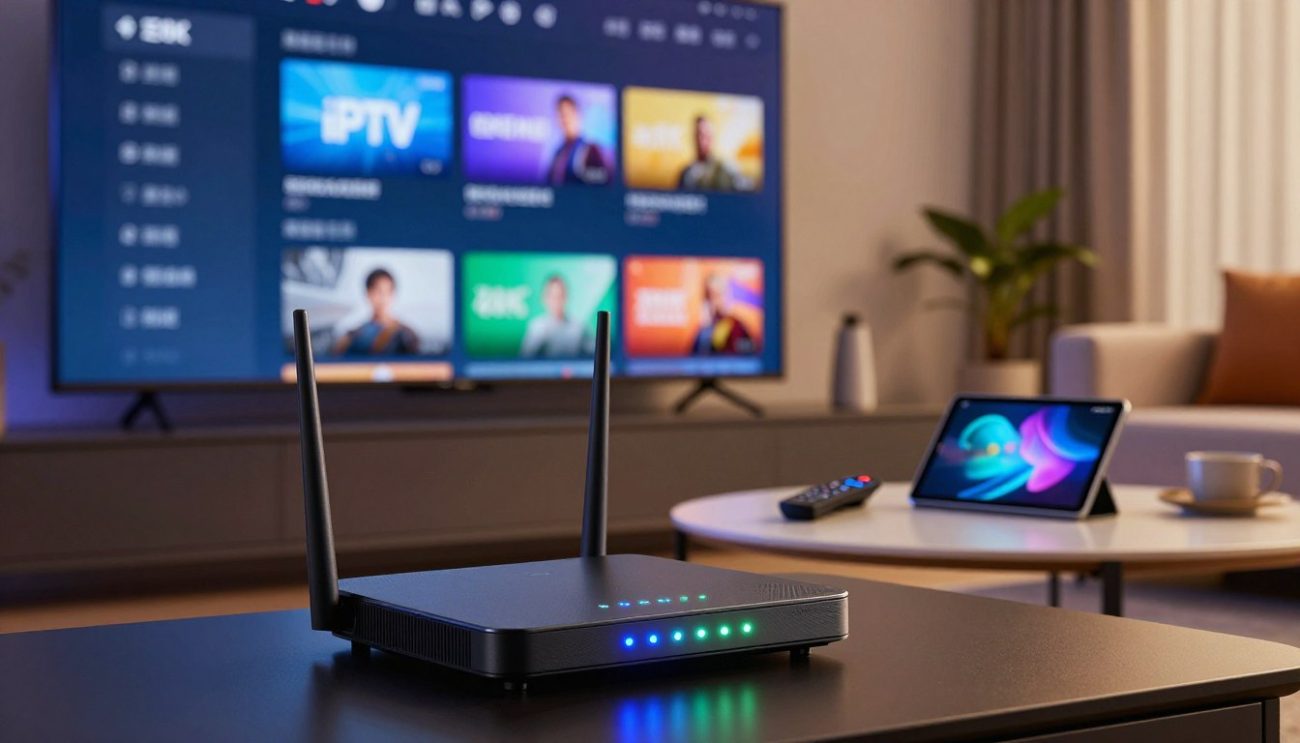
Wi-Fi 6 Performance and Ethernet Options
The Fire TV Stick 4K Max has Wi-Fi 6, which boosts data speed in busy homes. This tech cuts down on delays, making it great for wireless users. Yet, a wired connection is usually better for steady performance.
Apple TV 4K also has top-notch wireless, but its higher models have a Gigabit Ethernet port. This port ensures fast, interference-free streaming. Many see a wired connection as the best for iptv for its reliability.
Managing High-Bitrate IPTV Streams
High-bitrate streams need a steady data flow to avoid buffering. If your stream stutters, check your router’s position. Make sure it’s not blocked by walls or devices. Optimizing your network settings can also help a lot.
Clearing your IPTV app’s cache regularly helps it handle data better. With a stable wired connection and app upkeep, your device will be the best for iptv in your home.
| Feature | Fire TV Stick 4K Max | Apple TV 4K |
|---|---|---|
| Wi-Fi Standard | Wi-Fi 6 | Wi-Fi 6 |
| Ethernet Port | Via Adapter Only | Built-in (Selected Models) |
| Connection Stability | High (with adapter) | Excellent (Wired) |
| Best For | Budget Flexibility | Premium Performance |
Value for Money and Long-Term Investment
When you look at your home entertainment setup, the choice between these two devices is clear. It’s important to see beyond the initial cost. Understand the real cost of your streaming hardware over time.
Budget-Friendly Entry with Firestick
The Amazon Firestick is a great starting point for many homes. Its low price makes it perfect for upgrading TVs without spending a lot.
Its affordable price means many people buy one for each room. It offers good quality 4K streaming without a huge cost.
Premium Longevity with Apple TV
The Apple TV costs more upfront but is a better long-term deal. This review shows Apple devices get updates for years. This keeps the interface new and safe.
Choosing a premium device can save money over time. Think about these points when you buy:
- Hardware Durability: High-quality parts last longer than cheaper ones.
- Software Support: Longer updates mean your device stays current longer.
- Ecosystem Value: If you have other Apple products, the integration is a big plus.
Your choice should match your needs and upgrade frequency. A detailed review of your habits will help you decide if the extra cost is worth it.
Common Challenges and Troubleshooting for IPTV
Even the most powerful streaming devices can face technical issues during long viewing sessions. Whether you are comparing a firestick vs apple tv for iptv viewing, knowing how to care for your hardware is key. Taking proactive steps keeps your device running smoothly over time.
Addressing Overheating and Throttling
Streaming high-definition content for hours can make your device very hot. This heat can slow down your device to protect it. This results in annoying buffering or stuttering during your favorite shows.
To avoid this, make sure your device has good airflow. It should not be in a cramped, enclosed cabinet. If your device feels hot, use a small external fan or give it a short break. Proper ventilation is a simple yet highly effective way to keep your device running well.
Optimizing Cache and Storage for IPTV Apps
IPTV apps store temporary data, known as cache, to load channels faster. Over time, this data can clutter your storage, causing slow navigation or app crashes. Clearing this cache regularly is important when comparing a firestick vs apple tv for iptv viewing setup.
You can clear the cache in most devices by going to the app settings menu. It’s also good to uninstall unused apps to free up memory. Keeping your storage clean helps your IPTV software run efficiently. This ensures your stream stays crisp and stable.
Conclusion
Choosing the right device for your home entertainment setup is all about your habits. The Amazon Fire TV Stick 4K Max is great for those who like flexibility and can sideload apps. It’s a budget-friendly option for accessing a wide range of content.
The Apple TV 4K offers a premium experience for Apple fans. It has powerful hardware and a clean interface. It’s perfect for those who value long-term performance and privacy.
Consider your goals for your living room media center. If you like to customize settings and apps, the Firestick is a good choice. For a seamless, high-end experience that lasts, the Apple TV 4K is the better investment.
Look at your budget and how comfortable you are with technology. Both devices stream high-quality 4K content well with a stable network. Your choice depends on what fits your viewing habits and preferences.
## FAQ
### Q: In the debate of firestick vs apple tv iptv, which device offers more flexibility for third-party applications?
A: The Amazon Fire TV Stick 4K Max is more flexible. It runs on Android, making it easy to add third-party apps. The Apple TV 4K, on the other hand, focuses on security and official apps.
### Q: Which is better for handling high-bitrate 4K streams without buffering?
A: The Apple TV 4K is often better due to its powerful chip and thermal management. But, the Firestick 4K Max has Wi-Fi 6 for better network efficiency. For stable viewing, use Ethernet ports on both devices.
### Q: How do the remote control features differ between the two platforms?
A: The remotes are very different. The Alexa Voice Remote is ergonomic and integrates well with Amazon. The Siri Remote has a touch surface for easy navigation. It’s a matter of personal preference.
### Q: Can I achieve a cinematic experience with HDR and Dolby Vision on both devices?
A: Yes, both support Dolby Vision and HDR10+. The Apple TV 4K is praised for its smooth live TV. It’s great for those who want the best visual experience.
### Q: Is the higher price of the Apple TV 4K justified for a long-term investment?
A: The Apple TV’s price is worth it for its longevity and updates. It stays fast and secure for years. The Firestick is cheaper but the Apple TV is more appealing over time.
### Q: What are the best ways to troubleshoot performance issues like overheating on a Firestick?
A: The Fire TV Stick can get hot. Use the HDMI extender for better airflow. Clearing the cache of IPTV apps also helps. This keeps the device running smoothly during long sessions.